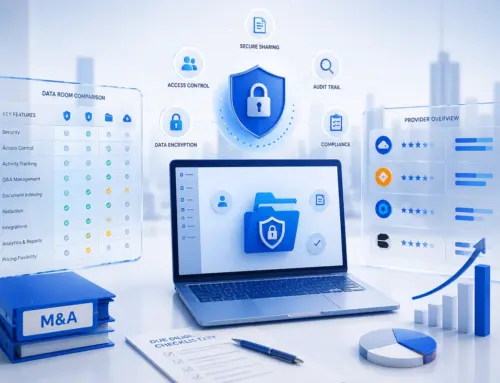
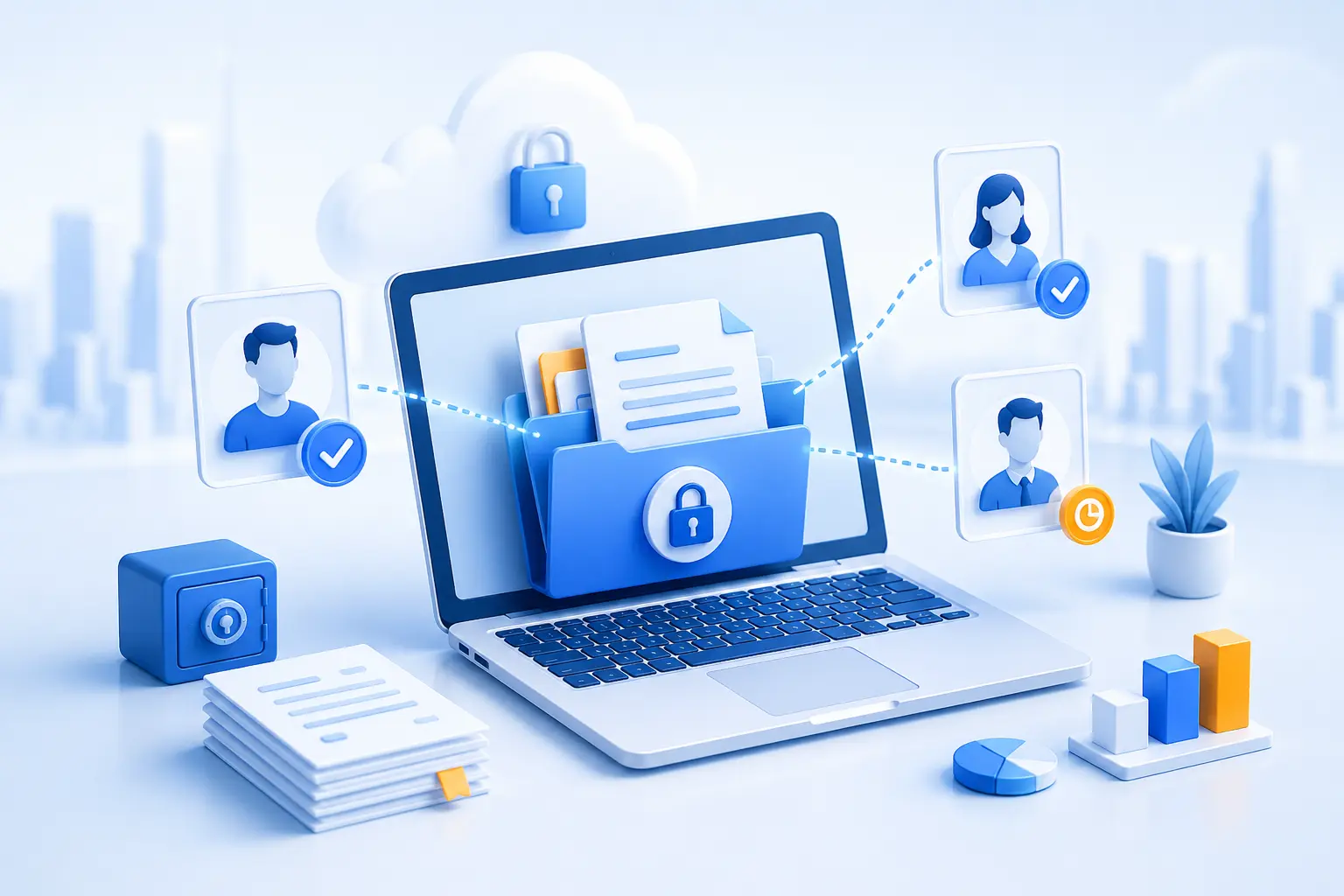
Secure file sharing is not only about sending a document online. For businesses, it means controlling who can access a file, what they can do with it, whether their activity is tracked, and whether access can be changed or removed later.
For everyday files, email attachments, cloud storage links, Box, Dropbox, or collaboration tools may be enough. But when the documents include financial records, legal files, board packs, investor materials, intellectual property, customer data, employee information, or due diligence documents, businesses usually need stronger protection.
That is where a virtual data room becomes important. A secure virtual data room is a controlled online workspace built for confidential document sharing, not just convenient file transfer. It combines file encryption, access permissions, audit trails, watermarking, secure viewing, and secure document management in one platform.
Quick answer: what is the best secure file sharing option for business?
The best secure file sharing solution depends on the sensitivity of the document and how much control the business needs after access is granted.
| Situation | Best option | Why |
|---|---|---|
| Small, non-sensitive file | Email attachment | Fast and simple for low-risk documents that do not need tracking or access control. |
| Everyday team sharing | Cloud storage link | Useful for routine internal files, shared folders, and basic version control. |
| Collaborative editing | Microsoft 365, Google Docs, Box, Dropbox, or similar tools | Good for live editing and everyday collaboration with trusted users. |
| Large, low-risk files | Cloud storage or secure file transfer | Convenient when the main problem is file size rather than confidentiality. |
| Confidential client documents | Secure file sharing platform | Better when access permissions, tracking, and document controls matter. |
| Legal, financial, M&A, fundraising, audit, or due diligence documents | Virtual data room | Designed for controlled disclosure, granular permissions, audit trails, watermarking, and secure external review. |
In simple terms: use basic tools for low-risk sharing, and use a virtual data room when confidential documents must be shared with control, accountability, and a clear record of activity.
What is secure file sharing?
Secure file sharing is the controlled exchange of digital files using security measures such as file encryption, user authentication, access permissions, activity tracking, and document-level controls. In business, secure file sharing helps organizations share documents with clients, investors, buyers, auditors, lawyers, advisors, and partners without losing visibility over what happens next.
Ordinary file sharing focuses on convenience. Secure online file sharing focuses on control. The difference becomes important when a document should not be forwarded freely, downloaded by the wrong person, left accessible after a project ends, or reviewed without an audit trail.
Best for: businesses that need to share confidential documents with external parties while keeping access, permissions, and activity visible.
Avoid relying only on: public links, shared passwords, untracked email attachments, or folders where access is not reviewed.
Why secure file sharing with clients needs more than email
Email is familiar, quick, and easy. It is also one of the weakest ways to share sensitive business documents. Once a file is attached and sent, the sender has limited control. The recipient can download it, forward it, save it locally, or share it with someone else. If the document changes, outdated versions may remain in circulation.
Secure file sharing with clients should answer practical questions that email often cannot answer well:
- Who exactly has access to each file?
- Can access be limited by role, folder, document, or action?
- Can downloads, printing, or copying be restricted?
- Can the sender see who viewed or downloaded a document?
- Can access be revoked when a project, deal, or review ends?
For routine documents, email and basic cloud tools can be convenient. For confidential business documents, a secure file sharing platform or virtual data room usually provides stronger protection.
Why virtual data rooms are built for secure file sharing
A virtual data room is a secure file sharing platform designed for sensitive business processes. Unlike a generic cloud folder, a VDR is built around controlled external review. It gives administrators a central place to upload confidential documents, invite users, set permissions, restrict actions, monitor activity, and close access when the process is over.
This matters because confidential business sharing is rarely a simple one-to-one file transfer. In M&A, fundraising, legal review, audits, private equity, IPO preparation, or board communications, multiple groups may need different levels of access at the same time. Buyers, investors, lawyers, accountants, internal teams, and advisors may all need to see different files under different rules.
A secure data room helps businesses disclose information without surrendering control. Documents can be shared with external parties, but access remains structured, monitored, and adjustable.
How virtual data rooms protect shared files
The strongest secure file sharing solutions combine several controls. Encryption is important, but it is only one part of secure document exchange. Businesses also need identity checks, permissions, document restrictions, audit trails, and secure document management.
| VDR security control | How it supports secure file sharing | Why it matters for business documents |
|---|---|---|
| File encryption | Protects files while they are stored and while they move between users and the platform. | Reduces the risk of readable data being exposed if traffic or storage is compromised. |
| User authentication | Requires users to log in before accessing documents. | Helps prevent anonymous or unintended access. |
| Multi-factor authentication | Adds an extra verification step beyond a password. | Reduces risk from stolen, weak, or reused credentials. |
| Granular permissions | Controls access by user, group, folder, document, and action. | Allows each party to see only the files they need. |
| Secure viewer | Lets users view documents while limiting uncontrolled downloads, copying, or printing where supported. | Useful when files need to be reviewed but not freely distributed. |
| Dynamic watermarking | Applies visible user or session information to documents. | Discourages unauthorized redistribution and improves accountability. |
| Audit trails | Records user activity such as views, downloads, uploads, permission changes, and Q&A actions. | Provides evidence of who accessed what and when. |
| Access expiry and revocation | Allows administrators to remove or limit access when it is no longer needed. | Prevents old users, old links, or old project teams from retaining unnecessary access. |
| Q&A workflows | Keeps document questions and answers inside the data room. | Reduces scattered email threads and keeps a record of the review process. |
What is file encryption?
File encryption converts readable information into protected code that can only be accessed with the right authorization or decryption key. In secure file sharing, file encryption helps protect documents during transfer and while they are stored.
There are two common encryption concepts buyers should understand:
- Encryption in transit: protects data while it moves between a user’s browser or device and the secure file sharing service.
- Encryption at rest: protects stored files, backups, or related data when they are not actively moving across the internet.
File encryption is essential, but encryption alone does not make a business process secure. A file may be encrypted in storage and during transfer, but if too many users have access, downloads are unrestricted, or activity is not tracked, the business can still lose control of sensitive information.
What is end-to-end encryption in file sharing?
End-to-end encryption means data is encrypted before it leaves the sender and can only be decrypted by the intended recipient. In strict technical terms, this usually means the service provider cannot read the unencrypted content.
End-to-end encryption file sharing can be useful for certain privacy-focused use cases. However, business file sharing often needs more than encryption. Teams also need user management, audit trails, permission groups, watermarking, version control, Q&A workflows, and the ability to remove access when a transaction or client review ends.
Important buyer note: not every secure file sharing service or virtual data room uses end-to-end encryption in the strict technical sense. Some platforms use encryption in transit and encryption at rest, combined with access controls and monitoring. Buyers should ask each data room provider how encryption keys are managed, how backups are protected, and who can access stored files.
Secure file sharing vs Box, Dropbox, and cloud storage
Box and Dropbox are widely used for cloud storage, collaboration, and file sharing. They can be useful when teams need to store documents, sync folders, collect files, or collaborate with trusted users. For many everyday workflows, they are convenient and familiar.
The question is not whether Box or Dropbox can support secure file sharing. The better question is whether a general cloud collaboration platform gives enough control for a confidential business process. When a team is running due diligence, fundraising, M&A, an audit, or a legal review, the needs usually become more specific: separate bidder groups, deal-level permissions, detailed audit trails, secure viewer settings, watermarking, Q&A, and support for external review.
That is why Box or Dropbox may be enough for routine sharing, while a dedicated VDR is usually stronger for transaction document control.
| Platform type | Best for | Main limitation for confidential business sharing |
|---|---|---|
| Simple, low-risk file sending | Weak control after sending; limited tracking and revocation. | |
| Cloud storage links | Routine internal sharing and larger files | Security depends heavily on link settings, permissions, and user discipline. |
| Box or Dropbox | Everyday collaboration, file storage, and team document workflows | May not provide the same deal-specific structure, audit depth, Q&A workflow, or transaction support as a dedicated VDR. |
| Virtual data room | Confidential client sharing, M&A, due diligence, fundraising, legal review, audits, and board documents | More specialized than a general-purpose file sharing tool, so it is best used where control and accountability matter. |
Is free secure file sharing enough for business?
Free secure file sharing tools can be useful for simple, low-risk file transfers. They may help users send large files, avoid email attachment limits, or share a document quickly with a trusted recipient.
For confidential business documents, free tools often create practical limits. They may not provide the permission depth, audit reporting, watermarking, access expiry, user group management, or support that businesses need during high-stakes processes.
Best for: low-risk documents, one-off transfers, and non-confidential files.
Avoid for: M&A, fundraising, due diligence, legal review, financial disclosures, board packs, employee records, intellectual property, or confidential client files.
If a business needs to know who opened a document, whether they downloaded it, which version they reviewed, and whether access can be revoked later, a virtual data room is usually a better secure file sharing solution.
Secure file sharing and secure document management in a data room
Secure file sharing is about giving access to files safely. Secure document management is broader. It includes storing, organizing, permissioning, tracking, updating, searching, reviewing, and archiving documents throughout their lifecycle.
In a virtual data room, secure file sharing and secure document management work together. A business can structure folders, upload files in bulk, apply permission groups, keep versions organized, manage Q&A, monitor document activity, and preserve a record of the process.
This is especially useful when external parties need access to different parts of the same document set. For example, a legal advisor may need contracts, an accountant may need financial statements, a buyer may need diligence materials, and an internal executive may need full oversight. A secure data room helps keep those permissions separate and visible.
When should businesses use a virtual data room for secure file sharing?
A virtual data room is most useful when files are sensitive, access needs to be controlled, and activity should be tracked. It is not necessary for every document, but it is often the safer option for confidential external review.
| Use case | Why a virtual data room helps | Relevant EthosData resource |
|---|---|---|
| M&A | Controls bidder access, protects sensitive deal documents, and tracks buyer engagement. | M&A data room |
| Due diligence | Organizes financial, legal, HR, IP, tax, and operational documents for structured review. | Due diligence data room |
| Legal review | Protects contracts, evidence, case files, regulatory documents, and privileged information. | Legal data room |
| IPO preparation | Supports controlled sharing with advisors, banks, auditors, lawyers, and stakeholders. | IPO data room |
| Fundraising and investor reporting | Gives investors structured access to key documents while maintaining control over sensitive information. | Virtual data room services |
| Audits and compliance reviews | Keeps files organized, access limited, and activity records available for review. | Data room security |
Secure file sharing platform checklist
Before choosing a secure file sharing service or data room provider, businesses should look beyond storage capacity. The right platform should support the way confidential documents are actually reviewed, controlled, and monitored.
| Feature | Question to ask | Why it matters |
|---|---|---|
| Encryption | Are files encrypted in transit and at rest? | Protects data during transfer and storage. |
| Key management | How are encryption keys managed and protected? | Encryption is only as strong as the processes around the keys. |
| MFA | Can multi-factor authentication be required? | Reduces the risk of unauthorized access from compromised passwords. |
| Granular permissions | Can access be set by user, group, folder, document, and action? | Supports least-privilege access. |
| View-only controls | Can downloads, printing, or copying be restricted where needed? | Helps prevent uncontrolled distribution. |
| Watermarking | Can documents display user-specific watermarks? | Discourages unauthorized sharing and supports accountability. |
| Audit trails | Can admins export activity reports? | Creates a record of who accessed which files and when. |
| Access expiry | Can users or groups be removed quickly? | Reduces risk after a project or transaction ends. |
| Document management | Does the platform support indexing, version control, search, and Q&A? | Keeps complex reviews organized. |
| Support | Can the provider help configure the room and permissions? | Incorrect setup can weaken even a strong platform. |
Best practices for secure file sharing with clients
Even the best secure file sharing software depends on how it is configured. Businesses should treat secure file sharing as both a technology decision and an operating process.
- Use named users instead of shared links. This makes access easier to control and audit.
- Apply least-privilege access. Give each user only the files and actions they need.
- Separate external parties into groups. Buyers, investors, lawyers, auditors, and advisors should not automatically see the same folders.
- Restrict downloads for sensitive documents. Use secure viewing when files should be reviewed but not freely distributed.
- Use watermarking on confidential files. Visible identifiers can discourage unauthorized sharing.
- Review permissions regularly. Remove inactive users and update access when roles change.
- Keep Q&A inside the platform. This reduces scattered email threads and preserves a clear record.
- Revoke access when the process ends. Do not leave old project rooms open indefinitely.
Why choose a secure data room provider for business file sharing?
A secure data room provider gives businesses a controlled environment for sharing confidential documents with external parties. Instead of relying on scattered email threads, public links, or general-purpose folders, teams can manage files, users, permissions, questions, and audit records from one secure platform.
For high-stakes processes, the value of a virtual data room is not just storage. It is the ability to share information while keeping control over access, activity, and document flow. That is why businesses use VDRs for M&A, due diligence, fundraising, legal work, IPO preparation, audits, and other sensitive transactions.
Secure data room helps businesses share confidential documents with controlled permissions, audit trails, secure document management, and support for business-critical review.
Virtual data room pricingConclusion
Secure file sharing for business is about more than moving files from one person to another. It is about protecting confidential documents before, during, and after access is granted.
Email, cloud storage, Box, Dropbox, and other collaboration tools all have a place. For everyday documents and trusted internal work, they may be enough. But for confidential client files, legal documents, financial records, investor materials, M&A, fundraising, audits, and due diligence, businesses usually need the stronger controls of a virtual data room.
A secure virtual data room brings together file encryption, granular permissions, secure viewing, watermarking, audit trails, Q&A, and secure document management. For organizations that need to share sensitive documents with confidence, a dedicated data room provider is often the safer and more accountable choice.
FAQ
What is secure file sharing?
Secure file sharing is the controlled exchange of digital files using safeguards such as encryption, authentication, access permissions, audit trails, and document controls. For businesses, it helps protect confidential documents when sharing them with clients, investors, buyers, auditors, lawyers, advisors, or other external parties.
What is the safest way to share files with clients?
The safest option depends on the sensitivity of the files. For routine documents, a private cloud link may be enough. For confidential business documents, a virtual data room is usually safer because it provides permissions, watermarking, audit trails, secure viewing, and the ability to revoke access.
What is a secure file sharing platform?
A secure file sharing platform is an online system that lets users share files while controlling access, user actions, and activity records. A virtual data room is a specialized secure file sharing platform for confidential business processes such as M&A, due diligence, fundraising, audits, legal reviews, and board communications.
What is file encryption?
File encryption converts readable data into protected code that can only be accessed with the right authorization or key. In secure file sharing, encryption helps protect documents during transfer and storage, but it should be combined with permissions, identity controls, and audit trails.
What is end-to-end encryption?
End-to-end encryption means data is encrypted before it leaves the sender and can only be decrypted by the intended recipient. Not every secure file sharing service or virtual data room uses end-to-end encryption in the strict technical sense, so buyers should ask how encryption and key management work.
Is free secure file sharing safe for business?
Free secure file sharing may be suitable for low-risk documents or simple transfers. For confidential business files, it may lack the controls needed for permissions, audit trails, watermarking, access expiry, support, and secure document management. For sensitive workflows, a virtual data room is usually a stronger option.
Are Box and Dropbox enough for confidential business documents?
Box and Dropbox can be useful for everyday collaboration and cloud file sharing. For high-stakes processes such as due diligence, M&A, fundraising, audits, or legal review, a dedicated virtual data room usually provides stronger transaction-focused controls, including granular permissions, detailed audit trails, watermarking, Q&A, and secure viewing.
What is the difference between secure file sharing software and a virtual data room?
Secure file sharing software helps users send or share files with protective controls. A virtual data room is a more specialized secure file sharing solution built for confidential business review, with features such as deal-specific permissions, audit trails, document indexing, watermarking, Q&A, and access revocation.
How do virtual data rooms support secure document management?
Virtual data rooms support secure document management by combining organized folders, indexing, search, version control, permission groups, audit logs, Q&A workflows, watermarking, and access controls. This helps businesses manage confidential documents throughout a deal, audit, legal review, or other sensitive process.
When should a business use a virtual data room instead of cloud storage?
A business should consider a virtual data room when documents are sensitive, access involves external parties, permissions need to be tightly controlled, and activity should be recorded. Common examples include M&A, due diligence, fundraising, legal review, IPO preparation, audits, and confidential board or client document sharing.