Quick answer: what is secure document management?
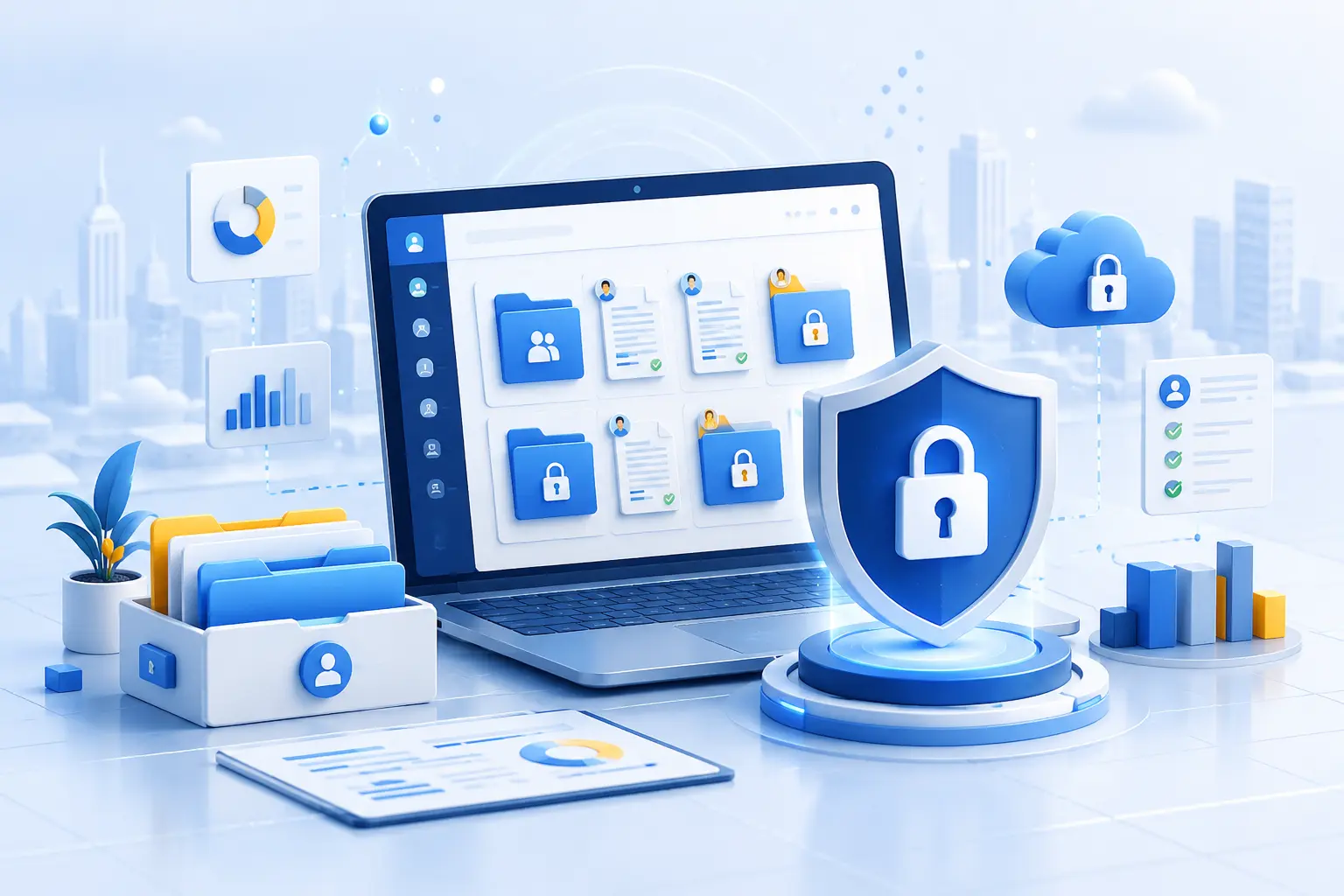
Secure document management is the process of storing, organizing, sharing, tracking, and protecting sensitive documents throughout their lifecycle. A secure document management system should control who can access each file, what they can do with it, how activity is recorded, and how documents are protected after sharing.
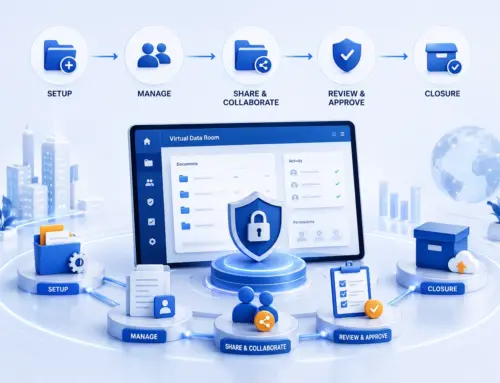
For high-stakes workflows such as M&A, due diligence, fundraising, audits, litigation, board reporting, healthcare reviews, and regulatory disclosure, a virtual data room is often the safest way to manage confidential documents. Unlike generic cloud storage, a virtual data room is designed for controlled disclosure: role-based access, granular permissions, dynamic watermarking, secure viewing, audit trails, Q&A workflows, version control, and post-project archiving.
Why secure document management matters now
Most organizations no longer struggle with a lack of storage. They struggle with control.
Sensitive documents move between internal teams, law firms, auditors, investors, lenders, regulators, partners, suppliers, and advisors. Every new recipient creates a new risk: the wrong folder shared, an outdated contract reviewed, a confidential file downloaded, or a link forwarded outside the approved group.
That is why modern secure online document management is not just about keeping files in the cloud. It is about answering four practical questions:
- Who can access each document?
- What can each user do with it — view, download, print, upload, edit, or share?
- Can access be changed or revoked quickly?
- Is there a defensible audit trail of every action?
A document management secure strategy should make those answers visible to administrators at any point in the process.
What is secure enterprise document management?
Secure enterprise document management is a structured approach to managing sensitive business documents across teams, departments, entities, and external stakeholders. It combines document organization, permission control, auditability, retention rules, compliance support, and secure collaboration.
In simple terms, secure enterprise document management helps organizations avoid three common problems:
- Overexposure: too many people can access too many documents.
- Fragmentation: documents are spread across email, shared drives, personal devices, and messaging tools.
- Weak accountability: teams cannot prove who accessed, changed, downloaded, or shared a file.
A secure cloud document management platform should reduce these risks by keeping confidential files in one controlled environment with clear ownership, permission rules, reporting, and security settings.
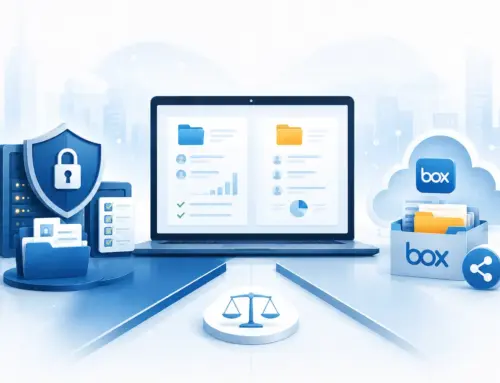
Virtual data rooms vs secure document management systems
A virtual data room is a specialized type of secure document management software built for sensitive, time-bound, multi-party review. It is not the same as a basic file drive or an everyday enterprise content management system.
| Platform type | Best for | Main limitation |
|---|---|---|
| Generic cloud storage | Everyday internal file sharing and collaboration | Often limited for deal-level permissions, audit trails, Q&A, watermarking, and controlled external review |
| Enterprise document management system | Ongoing document storage, approval workflows, records management, and internal governance | May not be optimized for external due diligence, bidder management, or transaction disclosure |
| Virtual data room | Secure document sharing, due diligence, M&A, fundraising, audits, litigation, and confidential review | Best suited for high-stakes document exchange rather than every daily document workflow |
For many organizations, the best model is not “one tool for everything.” A secure document management system can manage internal records, while a virtual data room can protect sensitive external disclosure.
What Is a Virtual Data Room? Everything You Need to Know in 2026
Why basic file sharing is not enough for sensitive documents
Basic cloud folders are convenient, but convenience alone does not make document sharing safe.
In secure file sharing document management, administrators need more than a shared link. They need control over users, groups, folders, document actions, timestamps, versions, and access history.
A basic file-sharing tool may allow someone to download a document, forward it, store it locally, or keep access longer than intended. In a sensitive transaction, that can create legal, commercial, and reputational risk.
A virtual data room reduces that exposure by adding:
- Granular permissions by user, group, folder, or file
- View, download, print, and upload controls
- Dynamic watermarking to discourage unauthorized distribution
- Two-factor authentication
- IP and domain-based access restrictions
- Secure viewer controls
- Detailed audit logs
- Version control
- Q&A workflows
- Secure archive options after the project closes
These features help teams share documents without losing oversight.
What a secure document management system should include
A secure document management platform should do more than store files. It should control access, protect sensitive information, track user activity, and make collaboration easier for internal and external teams.
Role-based access control
Secure document management with role-based access means each user gets access based on their role, group, matter, project, or deal stage.
- A buyer may see only approved commercial documents.
- Outside counsel may see legal agreements but not HR files.
- Auditors may view financial records but not download them.
- A bidder group may be isolated from other bidder groups.
- Internal administrators may upload documents without exposing drafts to external reviewers.
Granular file permissions
Not every user should have the same document rights. A secure system should allow administrators to control exactly what each user can do.
- View, download, print, upload, or edit files
- Invite other users
- Access specific folders or individual documents
- Use Q&A or reporting features
Audit trails and activity reporting
An audit trail records what happened inside the platform, including logins, document views, downloads, print attempts, uploads, permission changes, Q&A activity, and timestamps.
Encryption and secure access
Secure cloud document management should protect documents in transit and at rest. Encryption helps protect files while they are stored and while they move between users and the platform.
Dynamic watermarking
Dynamic watermarking places identifying information on viewed or downloaded documents, such as the user’s name, email address, IP address, date, or time.
Version control
Version control ensures reviewers see the latest approved document. Without it, teams may rely on outdated financial statements, old contract drafts, superseded policies, or incomplete diligence materials.
Secure external sharing
Secure document management solutions should allow external collaboration without giving up control. External users should receive permission-based access, not uncontrolled email attachments.
Search and indexing
A secure platform should also be easy to use. Full-text search, folder indexing, tags, labels, and structured document categories help reviewers find the right information faster.
Secure document management by industry and use case
Different teams need secure document management for different reasons. The security foundation is similar, but the workflow changes by industry.
Secure legal document management For litigation, regulatory responses, contract review, financing, and board governance
Secure legal document management is essential for litigation support, regulatory responses, investigations, contract review, M&A legal diligence, financing, and board governance.
Legal teams need to know exactly who can access privileged, confidential, or commercially sensitive documents. They also need audit trails that show how materials were shared and reviewed.
A legal data room is often a better fit than general cloud folders because it supports matter-level permissions, watermarking, secure viewing, external counsel access, and defensible reporting.
Learn more about secure legal data room softwareSecure document management for law firms For client confidentiality, external counsel collaboration, and matter-level control
Secure document management for law firms should support client confidentiality, controlled external sharing, and clear accountability.
Law firms often work with clients, co-counsel, experts, regulators, buyers, sellers, and courts. Each group may require different levels of access.
A virtual data room can help law firms manage complex matters by organizing documents, separating user groups, restricting downloads, and preserving a full activity record.
Secure document management for healthcare For sensitive healthcare, compliance, audit, investor, and transaction documents
Secure document management for healthcare requires extra care because health information can be highly sensitive and often subject to strict privacy and security obligations.
Healthcare teams, investors, acquirers, auditors, and legal advisors may need to review clinical contracts, vendor agreements, payer documents, regulatory materials, compliance records, HR files, and financial statements.
When protected health information or patient-related data is involved, organizations should ensure the platform, contracts, configuration, and access controls align with applicable healthcare compliance requirements.
Secure document management system for accountants For tax records, audit evidence, payroll files, financial data, and client documentation
A secure document management system for accountants should protect tax records, financial statements, audit evidence, payroll records, identity documents, client communications, and supporting schedules.
Accountants and tax professionals need systems that help reduce exposure during client onboarding, audits, due diligence, and advisory work.
Secure document and license management tools For software licenses, permits, certifications, IP records, and compliance evidence
Some organizations also need secure document and license management tools. This can include software licenses, intellectual property records, regulatory licenses, permits, certifications, renewal evidence, and compliance documentation.
In due diligence or audit workflows, these records often need to be reviewed by external parties.
Secure enterprise document management for M&A and due diligence For controlled disclosure, bidder management, Q&A, and post-close records
M&A due diligence is one of the clearest use cases for secure document management. Sellers must disclose sensitive information, but they must do it in a controlled way.
A virtual data room helps deal teams:
- Prepare a structured document index
- Upload legal, financial, commercial, HR, tax, IP, and operational records
- Separate bidder groups
- Grant staged access after NDA execution
- Monitor buyer engagement
- Manage Q&A in one place
- Restrict downloads or printing
- Preserve a post-close archive
Secure document management platforms comparison: what to evaluate
When comparing secure document management platforms, avoid focusing only on storage size or price. The right comparison should include security, usability, support, compliance, reporting, and workflow fit.
| Evaluation area | Questions to ask |
|---|---|
| Access control | Can permissions be set by user, group, folder, and file? |
| Authentication | Does the platform support two-factor authentication and access restrictions? |
| Document protection | Can admins restrict download, print, copy, screenshot, or external sharing? |
| Watermarking | Are dynamic watermarks available for sensitive documents? |
| Auditability | Does the platform log views, downloads, uploads, permission changes, and Q&A activity? |
| External collaboration | Can external parties access documents without uncontrolled links or attachments? |
| Search and organization | Are full-text search, indexing, version control, and folder structures easy to manage? |
| Q&A workflow | Can questions be assigned, approved, answered, and linked to documents? |
| Compliance support | Does the platform align with relevant security and privacy requirements for your industry? |
| Support | Is help available when a live transaction, audit, or legal matter is under pressure? |
| Archiving | Can the project be exported or archived securely after completion? |
A secure document management platforms comparison should also consider whether the tool is designed for everyday internal collaboration or for high-stakes external review. The difference matters.
How to manage sensitive documents securely
Use this checklist to reduce exposure, organize confidential files, control access, and preserve a clear record throughout a transaction, audit, legal matter, or due diligence review.
Classify documents before sharing
Group documents by sensitivity so administrators can decide which files need tighter permissions, watermarking, view-only access, or approval before release.
- Public
- Internal
- Confidential
- Highly confidential
- Restricted
- Regulated data
Build a clear folder structure
A clear structure reduces mistakes and helps reviewers find documents faster without exposing more information than necessary.
- Corporate and governance
- Financial documents and tax
- Legal, contracts, and intellectual property
- HR, employment, commercial, and customer files
- Operations, technology, IT, compliance, and regulatory records
Apply least-privilege access
Give users only the access they need to do their work. Avoid broad folder access “just in case.”
Use view-only access for sensitive files
Not every document should be downloadable. For highly confidential materials, view-only access, watermarking, and print restrictions may be appropriate.
Review permissions regularly
Permissions should not be set once and forgotten. Review access when the workflow, team, or document set changes.
- A new bidder joins or a party drops out
- A deal stage changes
- A law firm or advisor team changes
- A user leaves an organization
- New sensitive documents are uploaded
- The matter or transaction closes
Monitor activity
Activity reports can reveal which documents are receiving attention, which users are inactive, whether access patterns look unusual, and where review may be slowing down.
Keep Q&A inside the platform
Email-based Q&A can become messy quickly. A secure data room Q&A module helps assign questions, approve answers, avoid duplicates, and preserve a record of responses.
Archive the project securely
When a transaction, audit, or matter ends, the document record still matters. A secure archive can preserve what was shared, when it was shared, who accessed it, and what questions were answered.
Top Virtual Data Room Providers in 2026: Pricing, Features, Reviews & Use Cases Compared
When should you use a virtual data room?
Use a VDR for:
How EthosData supports secure document management
EthosData (as a part of Ideals) provides virtual data room software for teams that need secure document sharing, controlled access, and efficient review during high-stakes business processes.
EthosData supports secure document management through:
- Secure online workspaces for confidential documents
- Bulk upload and folder organization
- Full-text search
- Version control
- Email alerts for changed or new files
- Granular permissions by user, group, folder, or file
- View, download, and print controls
- Two-factor authentication
- IP and domain restrictions
- Dynamic watermarking
- Full audit trails
- Q&A workflows
- E-signature
- Activity insights
- Secure external links
- Multi-language support
- Branded workspaces
- Project archives
For teams managing due diligence, legal review, M&A, fundraising, audits, or regulated document exchange, these features help make secure file sharing document management more controlled and more transparent.